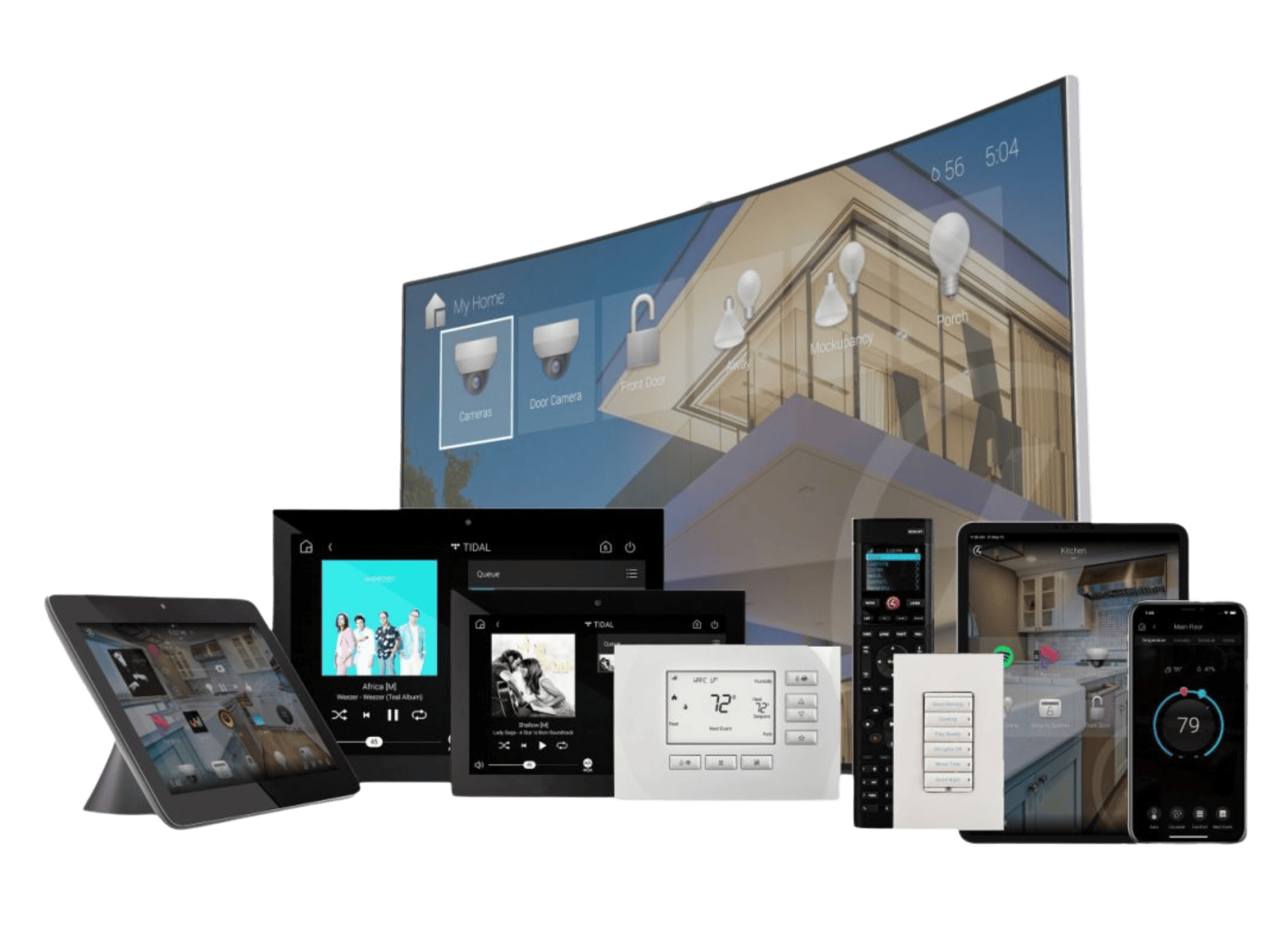
More than a remote control
Bring your devices together.
Make your home work as one.
Control4 can connect a wide range of compatible Control4 and third-party products, bringing everyday controls and useful automations into one system. Your package is the starting point: we design the integrations around your equipment, your rooms and the way you want to live.
Entertainment, without the juggling
Compatible televisions, projectors, AV receivers, amplifiers, streaming players and distributed audio or video systems can work together. Select a source, set the volume and choose the room from an appropriate Control4 remote, touchscreen or app. Music service features depend on the equipment, supported services and any subscriptions.
Lighting, blinds and curtains
Combine suitable dimmers, switches, lighting processors, motorised blinds and curtain tracks. A cinema scene might lower the blinds, dim the lights and start the entertainment; an evening scene can bring selected rooms to a comfortable lighting level. Colour, dimming and position feedback depend on the products and their drivers.
Heating, cooling and comfort
Integrate supported thermostats, heating zones, air conditioning and ventilation interfaces. Bring temperature settings into everyday scenes, with schedules and adjustments designed around your routine. Compatible pool and spa controllers can also be considered as part of a wider system.
Doors, gates and security
Supported cameras, recorders, door stations, alarm panels, locks, garage doors and gate interfaces can provide selected controls, views or status information. For example, a supported doorbell event could show a camera view, or an arrival scene could switch on the approach lighting. Available functions vary by model; access and security controls are agreed carefully during design.
Sensors and useful everyday actions
Compatible motion, door and other sensors can trigger lighting or agreed notifications. Simple relay interfaces can operate suitable equipment, while contact inputs can report an open or closed state. We confirm what the equipment can safely control and what feedback is actually available.
One action, several systems
A good-morning scene might open curtains, adjust selected temperatures and start music. A goodnight scene could turn off entertainment and selected lights. The value comes from coordinating the equipment you use, rather than giving you another collection of separate controls.
How does Control4 communicate?
Control4 combines several control methods. The right connection depends on the controller, the device and its supported integration; extra interfaces may be needed.
IP control over your network
Compatible devices communicate over Ethernet or WiFi using a supported network driver. This can provide commands and, where supported, two-way status feedback. A reliable home network is an important foundation. Control4 SDDP helps discover and identify supported products; it does not make every network device compatible.
Control4 wireless devices
Supported Control4 Zigbee devices communicate through the appropriate Control4 wireless network. Sharing the name Zigbee does not mean an ordinary third-party Zigbee product can pair directly: the exact device, driver and supported connection must be checked.
Infrared and serial connections
Infrared (IR) sends commands much like a conventional remote, using an emitter positioned at the equipment. It is usually one-way, so sending a command does not necessarily confirm the device’s actual state. Serial control, commonly RS-232, uses a wired control connection; available commands and feedback depend on the device and driver.
Relays, contact inputs and bridges
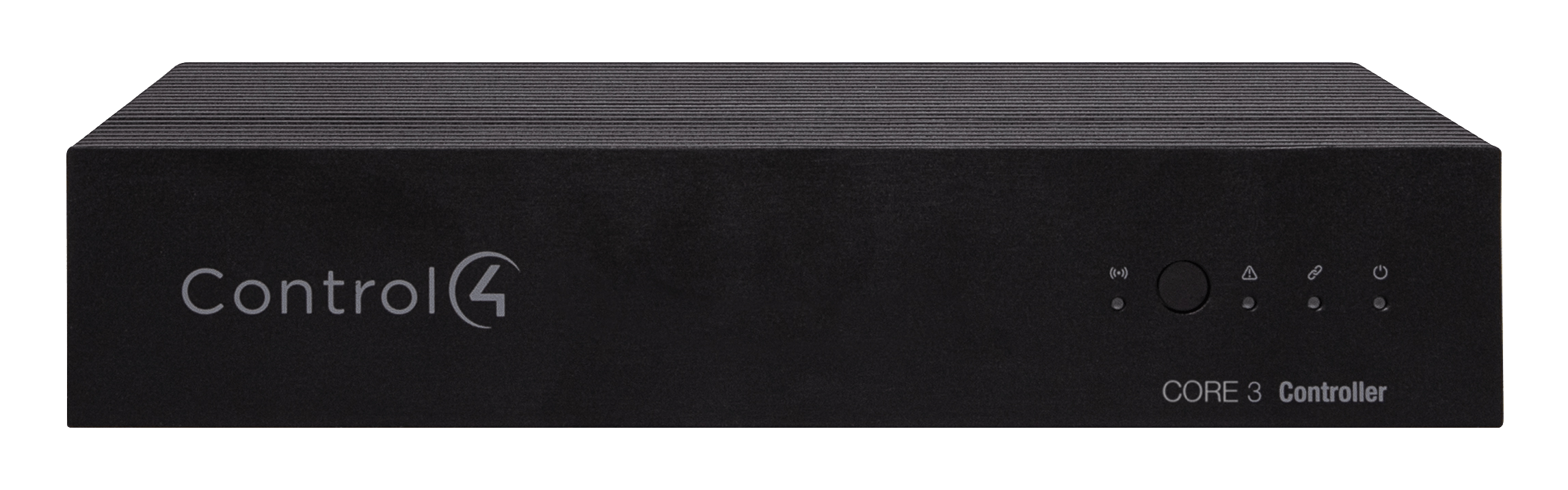
Suitable controller ports or additional input/output modules can connect to basic switching and sensing interfaces. A bridge or gateway can translate between Control4 and another system. Other standards and ecosystems may therefore need a supported gateway and driver rather than connecting directly to the CORE controller.
What is a driver?
A driver is a small piece of software that tells Control4 how to communicate with a particular product or service. Think of it as a translator: it maps Control4 controls to the commands the device understands, and can bring back supported information such as volume, temperature or playback status.
The driver also determines which features are available. Two products may both integrate, but offer different levels of control. A basic driver might only provide power and input selection; a more capable integration may include menus, status feedback or automation events. We check the exact model, software version and required features before recommending an integration.
Are there additional integration costs?
Some drivers are available without a separate licence charge. Others are paid third-party drivers with an additional licence cost. Depending on the supplier, licences may apply per project, device or feature, and some services may have recurring charges. Installation, programming, testing, bridge hardware and any required subscriptions are separate considerations. We identify the required items and costs in your quotation before proceeding.
Compatibility is assessed individually. Being a smart device, using WiFi or offering a phone app does not automatically mean a product can be fully controlled by Control4. Cloud-based integrations depend on the relevant internet connection and third-party service; manufacturer or software changes can affect available functions. The examples above describe possibilities, not equipment or integrations automatically included in every package.